
Optimise for reading and navigation. Display size, resolution, scaling and monitor position affect how comfortably you can work across code, documentation and terminals.
Coding Workspace
Build a coding workspace around readable displays, comfortable input devices and software that helps you stay in flow without unnecessary complexity.
Build your setup
Start with these areas
BrowseMonitorsExplore topicBrowseMonitor Arms & StandsExplore topicBrowseProductivity KeyboardsExplore topicBrowseErgonomic MiceExplore topicBrowseDocking StationsExplore topicBrowseUSB-C Hubs & AdaptersExplore topicBrowseDeveloper ToolsExplore topicBrowseAI ToolsExplore topicBrowseAI Assistants & AutomationExplore topicBrowseCloud & StorageExplore topic
A better way to buy
How to approach your coding workspace
Choose input devices for sustained use, not just specifications. Layout, switch feel, shortcuts and pointer shape can matter over long sessions.
Use developer and AI tools where they reduce repetitive work while keeping review, testing, security and version control in the loop.
Latest Coding Workspace Guides
Microsoft 365 Backup for Small Business: What It Covers (2026)
Microsoft 365 Backup explained for small businesses in 2026: OneDrive, SharePoint and Exchange coverage, recovery windows, restore points, pricing, limitations and when an independent…
Read guideBest Ultrawide Monitors for Work & Gaming UK (2026)
Best ultrawide monitors for work and gaming in the UK for 2026, covering affordable 34-inch gaming, 360Hz OLED, 5K2K Thunderbolt productivity and sim-racing options.
Read guideBest Quantum Computing Platforms for Learning: IBM, Amazon Braket and Azure
Research-led learning guide, October 2026. Quantum computing services are not ordinary consumer PCs. Cloud availability, free quotas and billing change, so review provider documentation…
Read guideBest Coding Tools and Developer Software
Compare VS Code, IntelliJ IDEA, Git, GitHub, Docker, Postman and GitLab for coding, collaboration, APIs and secure development workflows.
Read guide
Best Business Backup Software UK (2026)
Compare business backup software for UK small businesses in 2026, including Backblaze, IDrive, Acronis and Synology for endpoints, teams, servers and NAS.
Read guideSmall-Business Backup & Disaster Recovery Checklist UK (2026)
A practical UK small-business backup and disaster-recovery checklist covering critical data, 3-2-1 resilience, ransomware-resistant copies, MFA, restore testing and incident planning.
Read guide
Best Multi-Monitor Office Setup UK (2026)
Research-led UK guide to dual-monitor office setups, covering QHD vs 4K, docks, monitor arms, laptop display limits and current Dell and CalDigit options.
Read guide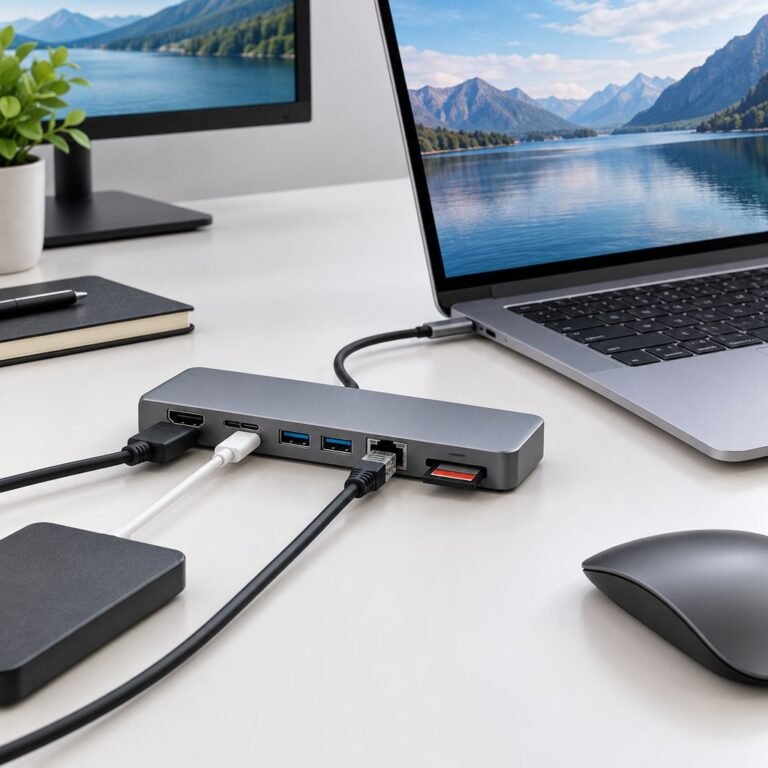
Docking Station vs USB-C Hub: Which Do You Need? (2026)
Understand the real difference between a docking station and USB-C hub, including displays, charging, USB4/Thunderbolt bandwidth, portability and cost.
Read guide
Best Ergonomic Mice for Work UK (2026)
Compare ergonomic mice for UK work setups, including Logitech Lift, MX Ergo S, ERGO M575S and Razer Pro Click V2 Vertical, with hand-fit, comfort…
Read guideResearch-ledEvidence and decision criteria come before affiliate links.
Clear testing labelsWe identify hands-on experience instead of implying it.
Editorial independenceCommercial relationships do not buy a recommendation.
Build the whole workspace: use our Build Your Coding Workspace planner, then compare Developer Tools, Productivity Keyboards, Docking Stations, External Storage and Networking & Wi-Fi.