Best Touchscreen Monitor

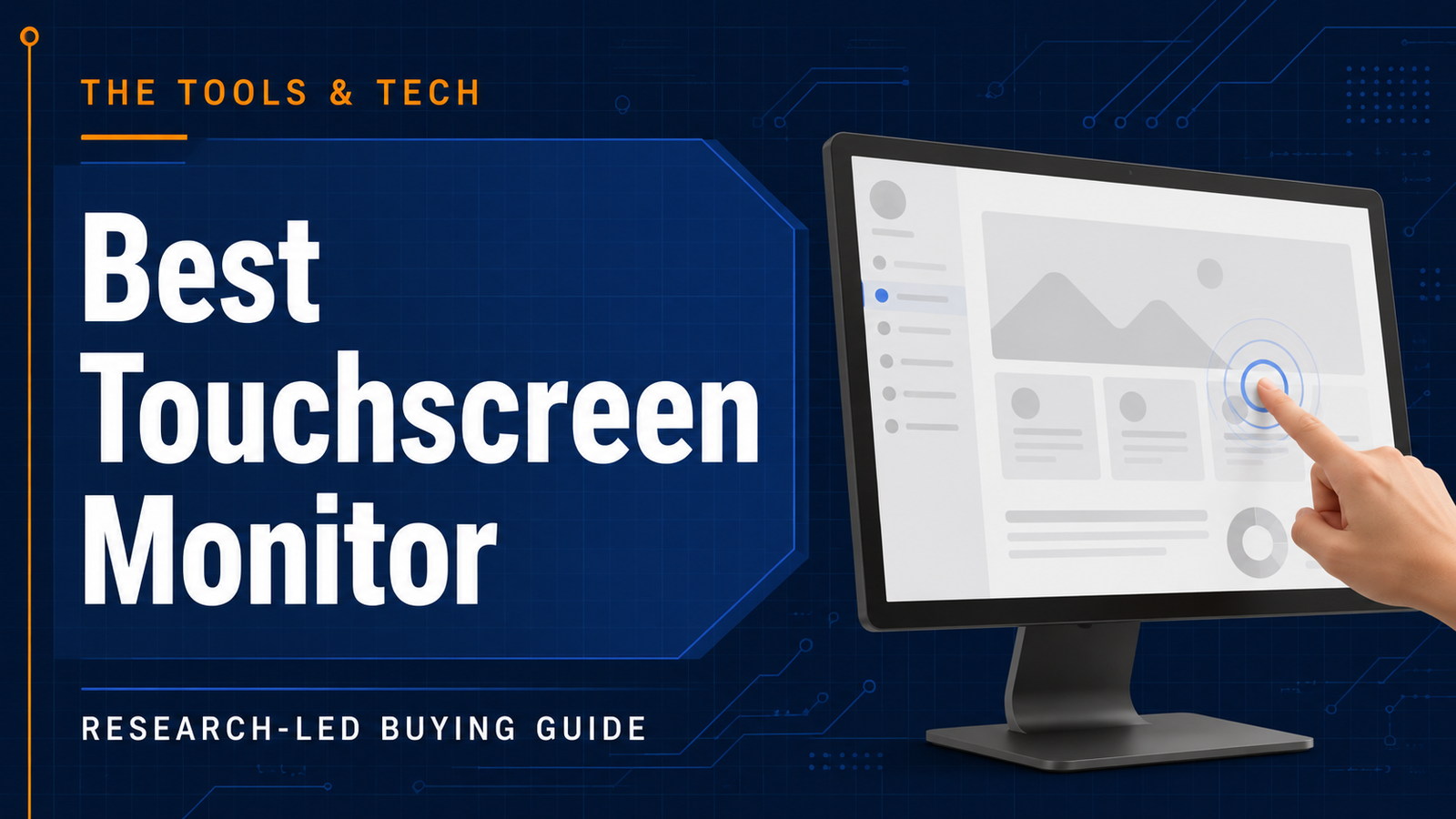
A touchscreen monitor is most useful when direct interaction genuinely improves the workflow. This guide compares desk and portable touch displays by connection requirements, ergonomics, USB-C behaviour and host compatibility rather than assuming touch alone makes a display better.
The recommendations below are research-led. We compared current manufacturer information with independent category or workload testing and deliberately call out compatibility, value and limitations. No product is described as hands-on tested by The Tools and Tech unless that actually happens later.
Quick answer
At a glance
| Option | Best for | Why it stands out | Main trade-off |
|---|---|---|---|
| Dell Pro 24 Plus Touch USB-C Hub Monitor P2424HT | Office, point-of-sale, teaching and desk-based touch workflows | Best desktop productivity touch: A 23.8-inch IPS 10-point touch monitor with an articulating stand, USB-C hub, up to 90W power delivery and Ethernet for interactive desk setups. | 1080p at 24 inches is functional rather than high-density creative resolution |
| ASUS ZenScreen Touch MB16AMTR | Mobile work, presentations and laptop touch expansion | Portable touch display: A portable 15.6-inch-class touchscreen designed for mobile second-screen use where direct touch interaction matters. | Portable touch support and power behaviour depend on the connected device and cable |
| ViewSonic TD1655 | Travel and portable USB-C touch use | Value portable touch: A compact touch display for users who need a mobile interactive second screen rather than a permanent 24-inch desk monitor. | Stand, brightness and touch compatibility should be checked for the target laptop |
Best desktop productivity touch: Dell Pro 24 Plus Touch USB-C Hub Monitor P2424HT
Best desktop productivity touch
Dell Pro 24 Plus Touch USB-C Hub Monitor P2424HT
Indicative price: ~£330–£380
Category-supported evidence · sources checked 26 August 2026
A 23.8-inch IPS 10-point touch monitor with an articulating stand, USB-C hub, up to 90W power delivery and Ethernet for interactive desk setups.
Best for: Office, point-of-sale, teaching and desk-based touch workflows
Potential drawback: 1080p at 24 inches is functional rather than high-density creative resolution
Research assessment
A 23.8-inch IPS 10-point touch monitor with an articulating stand, USB-C hub, up to 90W power delivery and Ethernet for interactive desk setups. Treat the price shown on the category page as an indicative UK range, not a live quote.
- Office, point-of-sale, teaching and desk-based touch workflows
- A 23
- 1080p at 24 inches is functional rather than high-density creative resolution
- Check exact model, compatibility and current UK availability before buying
Sources and evidence notes (2)
This editorial synthesis does not represent a hands-on test by The Tools and Tech. Source links are references, not affiliate links. Research depth: Official product information plus current independent category context.
- Dell Pro 24 Plus Touch USB-C Hub Monitor P2424HT official product information (opens in a new tab) (manufacturer / official)
- Current independent category/workload context (opens in a new tab) (independent category guidance)
Price and availability can change. Check the retailer for the latest information.
A 23.8-inch IPS 10-point touch monitor with an articulating stand, USB-C hub, up to 90W power delivery and Ethernet for interactive desk setups. The current category price marker is ~£330–£380. That is an indicative UK range rather than a live quote, so compare current stock and exact board/kit/capacity before deciding.
Why it fits: Office, point-of-sale, teaching and desk-based touch workflows. The main check is 1080p at 24 inches is functional rather than high-density creative resolution. This guide is research-based; performance, acoustics, fit and reliability should not be described as first-hand experience unless The Tools and Tech later tests the exact item.
Portable touch display: ASUS ZenScreen Touch MB16AMTR
Portable touch display
ASUS ZenScreen Touch MB16AMTR
Indicative price: ~£350–£450
Category-supported evidence · sources checked 26 August 2026
A portable 15.6-inch-class touchscreen designed for mobile second-screen use where direct touch interaction matters.
Best for: Mobile work, presentations and laptop touch expansion
Potential drawback: Portable touch support and power behaviour depend on the connected device and cable
Research assessment
A portable 15.6-inch-class touchscreen designed for mobile second-screen use where direct touch interaction matters. Treat the price shown on the category page as an indicative UK range, not a live quote.
- Mobile work, presentations and laptop touch expansion
- A portable 15
- Portable touch support and power behaviour depend on the connected device and cable
- Check exact model, compatibility and current UK availability before buying
Sources and evidence notes (2)
This editorial synthesis does not represent a hands-on test by The Tools and Tech. Source links are references, not affiliate links. Research depth: Official product information plus current independent category context.
- ASUS ZenScreen Touch MB16AMTR official product information (opens in a new tab) (manufacturer / official)
- Current independent category/workload context (opens in a new tab) (independent category guidance)
Price and availability can change. Check the retailer for the latest information.
A portable 15.6-inch-class touchscreen designed for mobile second-screen use where direct touch interaction matters. The current category price marker is ~£350–£450. That is an indicative UK range rather than a live quote, so compare current stock and exact board/kit/capacity before deciding.
Why it fits: Mobile work, presentations and laptop touch expansion. The main check is portable touch support and power behaviour depend on the connected device and cable. This guide is research-based; performance, acoustics, fit and reliability should not be described as first-hand experience unless The Tools and Tech later tests the exact item.
Value portable touch: ViewSonic TD1655
Value portable touch
ViewSonic TD1655
Indicative price: ~£250–£350
Category-supported evidence · sources checked 26 August 2026
A compact touch display for users who need a mobile interactive second screen rather than a permanent 24-inch desk monitor.
Best for: Travel and portable USB-C touch use
Potential drawback: Stand, brightness and touch compatibility should be checked for the target laptop
Research assessment
A compact touch display for users who need a mobile interactive second screen rather than a permanent 24-inch desk monitor. Treat the price shown on the category page as an indicative UK range, not a live quote.
- Travel and portable USB-C touch use
- A compact touch display for users who need a mobile interactive second screen rather than a permanent 24-inch desk monitor
- Stand, brightness and touch compatibility should be checked for the target laptop
- Check exact model, compatibility and current UK availability before buying
Sources and evidence notes (2)
This editorial synthesis does not represent a hands-on test by The Tools and Tech. Source links are references, not affiliate links. Research depth: Official product information plus current independent category context.
- ViewSonic TD1655 official product information (opens in a new tab) (manufacturer / official)
- Current independent category/workload context (opens in a new tab) (independent category guidance)
Price and availability can change. Check the retailer for the latest information.
A compact touch display for users who need a mobile interactive second screen rather than a permanent 24-inch desk monitor. The current category price marker is ~£250–£350. That is an indicative UK range rather than a live quote, so compare current stock and exact board/kit/capacity before deciding.
Why it fits: Travel and portable USB-C touch use. The main check is stand, brightness and touch compatibility should be checked for the target laptop. This guide is research-based; performance, acoustics, fit and reliability should not be described as first-hand experience unless The Tools and Tech later tests the exact item.
What to look for
Touch connection
Touch usually needs a USB data connection in addition to video unless USB-C carries both. Check the exact host and cable path.
Ergonomics
Touching a vertical screen for hours can be tiring. An articulating stand that brings the display lower and flatter can be more important than a thin bezel.
Resolution and colour
Touch does not guarantee creative display quality. Choose resolution and colour gamut for the visual work separately.
Drawing
Finger touch and a generic capacitive stylus are not substitutes for a pressure-sensitive pen display when illustration and retouching are the goal.
How we researched this guide
We checked current official product specifications, connection requirements and UK availability. The category is use-case driven, so physical ergonomics should be added only after hands-on testing.
Verify Windows/macOS/Android touch compatibility, USB-C DP Alt Mode, power requirements and included cables before publishing a recommendation for a specific host device.
Frequently asked questions
Can I add touch to a normal desktop PC?
Yes, with a compatible touch monitor. The display still needs video plus the USB/touch data path required by that model.
Is a touchscreen monitor good for digital art?
It can be useful for navigation, but a pen display is usually the better tool for serious drawing because it adds pressure/tilt-sensitive active pen input and creator-focused surfaces.
Do touch monitors work with Mac?
Video may work while touch features vary by model, driver and macOS support. Check the manufacturer’s current compatibility statement for the exact display.
Primary sources reviewed
- Dell P2424HT official UK product information (opens in a new tab)
- ASUS ZenScreen Touch product information (opens in a new tab)
Final verdict
Buy a touchscreen monitor because touch improves the workflow, not because it sounds more advanced. The Dell P2424HT is a compelling interactive desk hub; portable buyers should prioritise host compatibility and cable simplicity.