

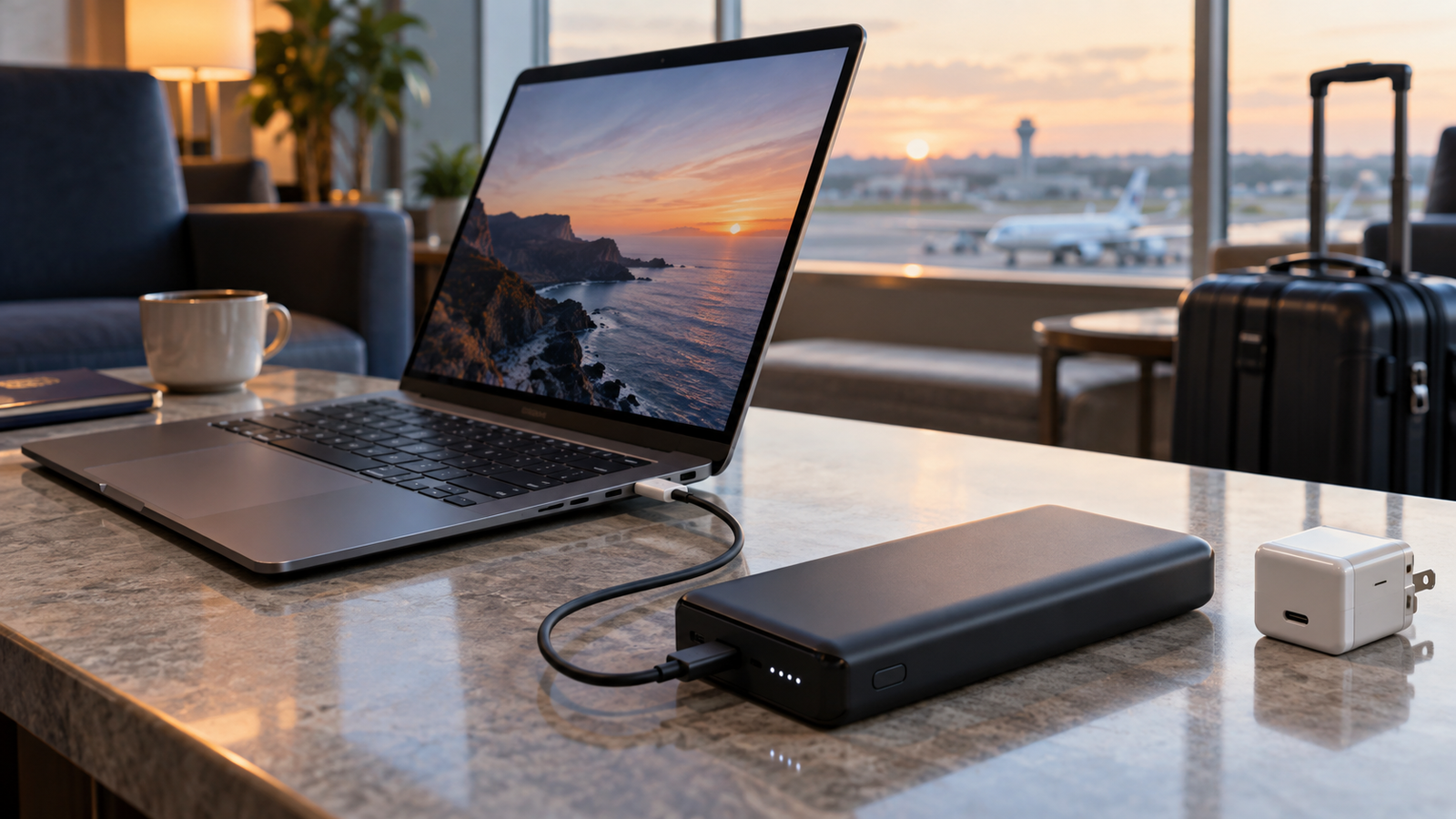
A laptop power bank does not need the biggest wattage number you can find. It needs to support the charging profile your exact laptop accepts, through a cable that can safely carry that power. Buying a 140W or 240W power bank for a laptop that only accepts 65W over USB-C will not make that laptop charge at 140W or 240W.
Quick answer
If you are already shopping, see our Best Laptop Power Bank guide for the current shortlist. For phones and smaller travel gear, our Best Power Bank for Phones and Travel guide is the better starting point.
Laptop power-bank wattage at a glance
| Power level | Typical use | What to check |
|---|---|---|
| 45W | Smaller ultraportables and light charging | Your laptop must explicitly support USB-C charging at or below this level |
| 65W | Many business and thin-and-light laptops | Check whether performance or charging slows under heavy load |
| 100W | Versatile laptop and multi-device travel setup | Use the correct USB-C port and a cable rated for the required current |
| 140W | Some larger modern laptops using USB PD EPR | Confirm 140W input support on the laptop and use an appropriate EPR cable |
| 180–240W | Specialised USB PD EPR equipment | Do not assume support merely because the laptop’s mains brick has a similar wattage |
Why the laptop decides how much power it takes
USB Power Delivery is a negotiated system. USB-IF states that USB PD can deliver up to 240W, with newer fixed-voltage levels including 28V, 36V and 48V enabling power levels up to 140W, 180W and 240W. It also allows devices to take only the power they require.
That means the power bank’s maximum output is a ceiling, not a command. A 100W bank connected to a laptop that accepts 65W does not force 100W into it. Equally, a 65W bank cannot provide a laptop with 100W simply because the computer’s original charger is rated at 100W.
Check the laptop’s USB-C charging specification first
Look up the charging specification for the exact laptop model. Do not rely only on the wattage printed on the mains adapter. Some gaming and workstation laptops use a 180W, 240W or larger proprietary adapter while offering a lower-power USB-C charging mode for office work and travel. Others may not accept charging through every USB-C port.
If the specification says 65W USB-C PD, a quality 65W or higher compatible power bank can make sense. If it says 100W, choose a bank and cable that can provide 100W on one suitable port. If it specifies 140W USB PD EPR, then a 140W-capable setup becomes meaningful.
Single-port output matters more than total output
A power bank advertised as “200W” may be describing its total output across several ports. One port might provide 140W while the remaining power is shared with other devices. Read the output table for the exact port combination you intend to use.
This becomes important when you charge a laptop and phone together. Connecting a second device can redistribute the available power and reduce the laptop’s charging rate. A high total-output figure is useful only when the individual ports deliver the profiles your devices need.
The cable is part of the charging system
USB-C cables are not all interchangeable at high power. USB-IF’s current Power Delivery specification extends to 240W with updated cable requirements. Use the manufacturer-supplied high-power cable or a reputable cable explicitly rated for the power level you intend to use. A lower-rated or unsuitable cable can prevent the devices from negotiating the desired mode.
Capacity and wattage solve different problems
Watts describe how quickly power can be delivered. Watt-hours describe stored energy. A power bank can have a very high output but still provide only a modest amount of extra runtime if its energy capacity is small.
For travel, the watt-hour figure is especially important. IATA says power banks must be carried in hand luggage rather than checked baggage. Its current passenger guidance says batteries up to 100Wh are generally allowed in carry-on baggage, while 100–160Wh may require airline approval and larger batteries are usually not permitted on passenger aircraft. Always read the Wh rating printed on the physical power bank and check your airline before travelling.
What should most buyers choose?
65W: sensible when you know the laptop accepts 45–65W USB-C charging and you value a smaller pack.
100W: the strongest general-purpose target for a mixed laptop travel setup because it covers a wide range of USB-C notebooks while still being useful for tablets, handhelds and phones.
140W: worth considering when the laptop genuinely accepts 140W USB PD EPR, or when you want high single-port output plus substantial multi-device capability.
Above 140W: buy only when an actual supported device or workflow explains the need. The higher specification alone does not make a power bank better for a 65W or 100W laptop.
Frequently asked questions
Can I use a 100W power bank with a 65W laptop?
Yes, when both devices support compatible USB Power Delivery profiles. The laptop requests the power it supports; the bank’s 100W rating is its maximum capability, not the amount it forces into every device.
Will a 140W power bank charge every laptop faster?
No. The laptop must support a higher USB-C charging rate. A laptop limited to 65W or 100W will not gain a 140W charging rate simply because the power bank can provide it.
Can a power bank replace a gaming-laptop charger?
Sometimes for light use, but often not for full performance. Many gaming laptops use higher-power proprietary adapters and may restrict performance while charging over USB-C.
Is a 25,000mAh power bank allowed on a plane?
Airline rules are based on watt-hours rather than mAh alone. Check the Wh figure printed on the battery. IATA says up to 100Wh is generally allowed in carry-on baggage, with larger 100–160Wh batteries potentially requiring airline approval.
Primary sources
Final verdict
Match the power bank to the laptop, not to the biggest number on the box. For many people, 65W is enough and 100W is the most flexible target. Step up to 140W only when the laptop or multi-device setup can use it. Then check the cable, single-port output and battery watt-hours before buying.