
Best KVM Switches for Work & Gaming UK (2026)

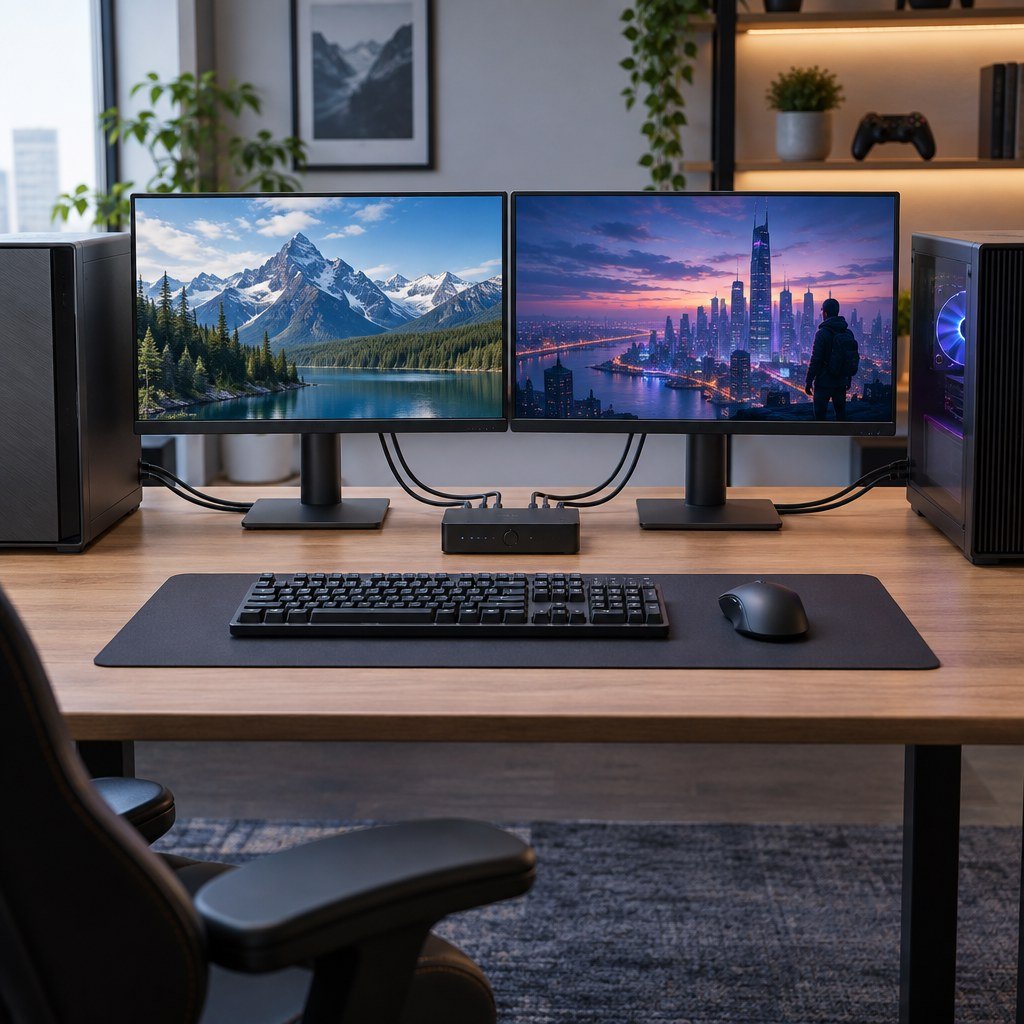
Research-led guide — checked 7 October 2026: KVM switches are unusually dependent on the exact monitor resolution, refresh rate, video standard, USB bandwidth and host computer. We have not claimed hands-on testing of every switch below. We compared current manufacturer specifications, switching methods, display behaviour, USB sharing and suitability for mixed work and gaming desks.
Quick answer
UGREEN DisplayPort KVM 25962 is our best-value pick for two PCs sharing one DisplayPort monitor, keyboard, mouse and USB devices. UGREEN currently lists it at £59.99 in the UK with DP 1.4 support up to 8K60 or 4K120 and four USB 3.0 sharing ports. UGREEN 85100 Dual-Monitor HDMI KVM is the straightforward value option for two PCs and two HDMI displays at £89.99. ATEN CS1953 is the better mixed desktop-and-USB-C-laptop choice, while TESmart HKS202-M24 is the specialist option for dual-monitor HDMI 2.1 gaming and workstation setups where high refresh, EDID handling and VRR matter.
Prices and availability were checked on 7 October 2026 and can change.
Best KVM switches at a glance
| KVM | Best for | Display setup | USB sharing | Current price checked |
|---|---|---|---|---|
| UGREEN 25962 DisplayPort KVM | Best value single-monitor setup | 2 PCs / 1 DP monitor, up to 8K60 or 4K120 | 4× USB 3.0 | £59.99 |
| UGREEN 85100 HDMI KVM | Best value dual-monitor setup | 2 PCs / 2 HDMI monitors, up to 8K60 and high-refresh 4K modes | 4× USB 3.0 | £89.99 |
| ATEN CS1953 | Desktop + USB-C laptop | 3 hosts / 1 DisplayPort monitor | USB 3.1 Gen 1 hub | Check current reseller price |
| TESmart HKS202-M24 | High-refresh dual-monitor gaming/workstation | 2 PCs / 2 HDMI 2.1 monitors, up to 8K60 or 4K144 class modes | USB 3.0 | $359 direct |
Our top picks
UGREEN 25962 DisplayPort KVM — best value for one high-refresh monitor
UGREEN’s 25962 is the simple option for two computers sharing one DisplayPort display. It supports DisplayPort 1.4 and UGREEN quotes video modes up to 8K at 60Hz and 4K at 120Hz, with HDR support. The switch also shares four USB 3.0 ports — three USB-A and one USB-C — at up to 5Gbps.
Switching is handled by the physical button or the supplied desktop controller. UGREEN explicitly notes that hotkey switching is not supported. That is worth knowing if you regularly switch between machines without wanting to reach for a button.
Who should buy it: users with two desktop PCs or a desktop/laptop combination that already expose the required DisplayPort connection and only need one shared monitor. It is particularly attractive when you want high-refresh output without paying for a more complex dual-monitor KVM.
UGREEN 85100 HDMI KVM — best value for two monitors
The 85100 is UGREEN’s current two-PC, two-monitor HDMI option. It shares four USB 3.0 devices and UGREEN quotes up to 8K60 with backward support for high-refresh 4K modes. The important setup requirement is that each computer needs two HDMI connections plus USB for a true dual-display extended desktop.
UGREEN includes four HDMI 2.1 cables, two USB cables, power adapter and desktop controller. As with the DisplayPort model, switching is by hardware control rather than keyboard hotkey.
Who should buy it: users with two PCs and two HDMI monitors who want a relatively affordable, straightforward hardware KVM and already have the required display outputs on both machines.
ATEN CS1953 — best for a desktop plus USB-C laptop
ATEN’s CS1953 is a different kind of KVM. It supports three host computers: two DisplayPort systems plus one USB-C host. The USB-C channel carries video, audio and data and supports USB Power Delivery. ATEN lists DisplayPort 1.2-class video up to 4096×2160 at 60Hz or 2560×1440 at 144Hz.
This makes the CS1953 useful for a professional desk where a work laptop needs to share the same monitor, keyboard, mouse and USB peripherals as one or two desktop machines. The USB-C host must support DisplayPort Alt Mode for video.
Who should buy it: hybrid workers, developers and IT users who regularly move between a USB-C laptop and desktop systems and value a cleaner single-desk setup more than headline gaming refresh rates.
TESmart HKS202-M24 — best high-refresh dual-monitor specialist
TESmart’s HKS202-M24 is designed around two HDMI 2.1 PCs and two monitors. The manufacturer lists 8K60 and dual 4K144-class operation, EDID emulation, USB 3.0, Gigabit Ethernet sharing and gaming-oriented features including VRR, HDR and high-refresh support.
It is much more expensive than the simple UGREEN models, but it is solving a harder problem: preserving a high-bandwidth dual-monitor gaming/workstation environment while switching both displays and peripherals between two computers. TESmart currently lists it at $359 direct, with UK plug options available.
Who should buy it: users with expensive dual-monitor gaming or creator setups where stable EDID behaviour, high refresh and HDMI 2.1 bandwidth justify the premium.
Why KVM specifications are easy to misread
An “8K” label does not mean every dual-monitor layout can run at 8K simultaneously. Video bandwidth, Display Stream Compression, colour depth, HDR, refresh rate, the host GPU outputs and the exact cables all affect what actually works. Treat the headline number as a maximum supported mode under specific conditions, not a blanket promise for every setup.
What to check before buying
1. One monitor or two?
Dual-monitor KVMs normally require each computer to provide two independent video outputs. If one system is a laptop with only one USB-C port, you may need a USB-C-specific KVM or a compatible dock upstream.
2. HDMI or DisplayPort?
Choose around the native ports on both computers and the monitors. Adapter chains can introduce handshake, refresh-rate, HDR and wake-from-sleep problems.
3. Exact refresh rate at your resolution
For gaming, verify the specific mode you use — for example 1440p at 240Hz or 4K at 144Hz — rather than assuming that an 8K-capable switch automatically supports every lower-resolution refresh rate.
4. VRR and HDR support
High-refresh gaming users should check whether the KVM explicitly supports the variable-refresh and HDR features used by the graphics card and display. These features are not guaranteed by the connector alone.
5. USB bandwidth
Keyboard and mouse sharing needs very little bandwidth, but external SSDs, cameras, capture devices and audio interfaces can demand much more. A KVM with USB 3.x ports is preferable if you plan to share fast peripherals.
6. EDID emulation
EDID emulation can help the operating system keep display positions and window layouts stable while switching hosts. Without it, the inactive machine may behave as if the monitor has been unplugged.
KVM switch or docking station?
A docking station expands one computer; a KVM lets multiple computers share the same screen and peripherals. Some desks need both: for example, a USB-C dock connected to a laptop and then a KVM handling the final monitor/keyboard/mouse switch. If you are mainly trying to expand one laptop, see our Best Docking Stations for Multiple Monitors guide instead.
How we researched this guide
We checked current manufacturer product pages from UGREEN, ATEN and TESmart on 7 October 2026 and compared video standards, maximum quoted display modes, USB sharing, host configuration and switching design. We have not independently measured switching latency, cable sensitivity, VRR reliability or sustained USB throughput, so those are not presented as test results.
Primary sources reviewed
Final verdict
Choose the UGREEN 25962 for a simple one-monitor DisplayPort desk, the UGREEN 85100 for an affordable two-monitor HDMI setup, the ATEN CS1953 when a USB-C laptop must share a desk with desktop PCs, and the TESmart HKS202-M24 when high-refresh dual-monitor gaming or creator work justifies a much more specialised KVM.
Continue to KVM Switches, Home Office Builder, Coding Workspace Builder or Gaming Setup Builder.


