

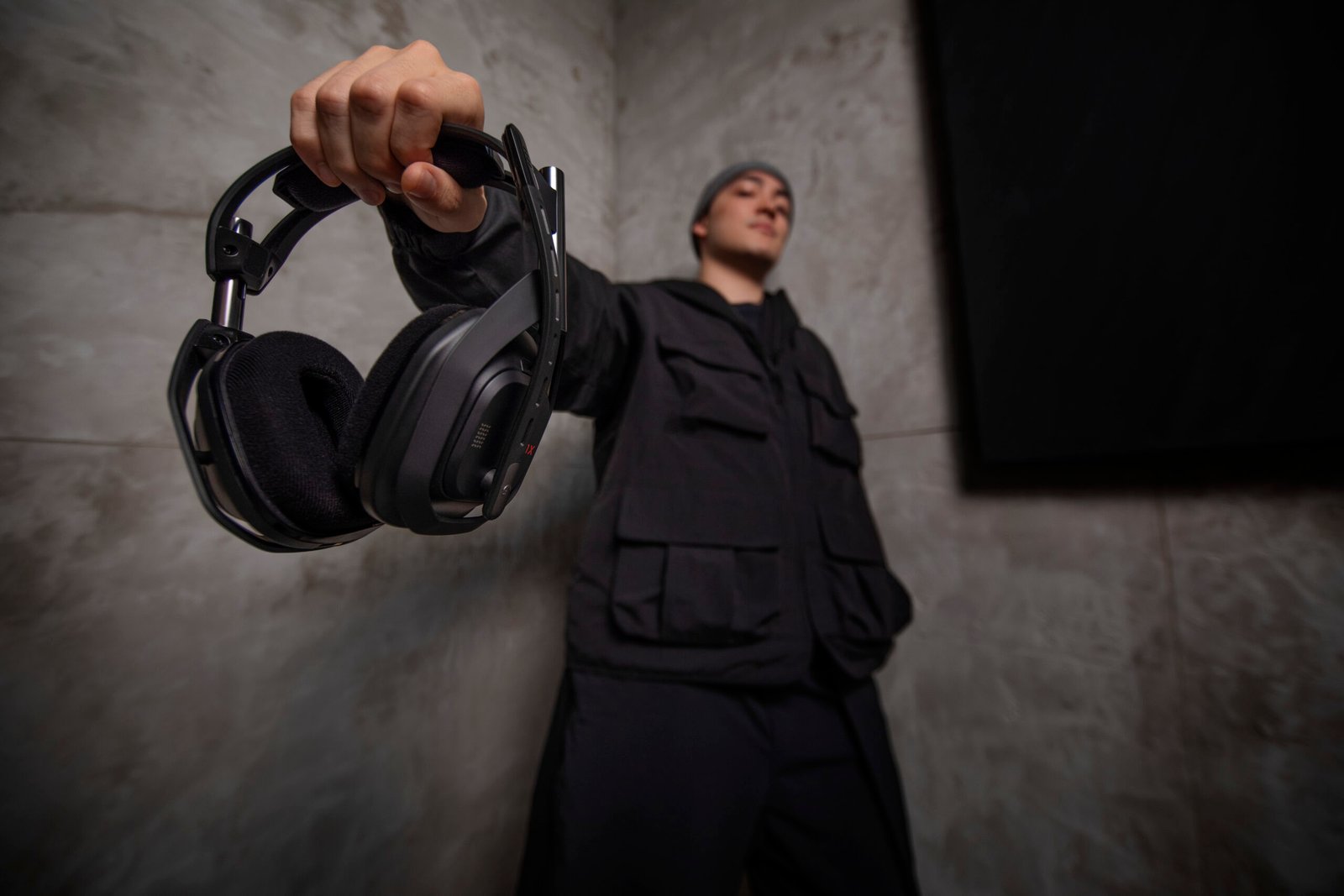
Research-led guide — checked 7 October 2026: Gaming headsets should be chosen by platform compatibility, comfort, wireless behaviour and microphone needs rather than brand alone. The Tools and Tech has not claimed hands-on testing of every headset below. Recommendations are based on current manufacturer specifications, current UK availability and clearly different use cases.
Quick answer
Logitech G321 LIGHTSPEED is the strongest low-cost wireless starting point for PC, PS5 and Switch users at a current official UK price of £59.99. Razer BlackShark V3 Pro is our competitive/esports direction with ultra-low-latency wireless, ANC and a full-band boom mic at £249.99 for the standard black PC version. SteelSeries Arctis Nova Pro Omni is the newer premium all-system option for users who want Hi-Res wireless audio, broad device connectivity and source mixing. Logitech ASTRO A50 X remains the premium desk-switching choice for Xbox, PS5 and PC, with a current list price of £309.99.
Prices were checked 7 October 2026 and can change.
Current shortlist
Best budget wireless: Logitech G321 LIGHTSPEED
Logitech lists the G321 at 210g with LIGHTSPEED wireless, Bluetooth, a 16kHz flip-to-mute microphone and more than 20 hours of battery life. Current compatibility covers PC, PS5 and Nintendo Switch/Switch 2.
Best for: buyers who want a simple, lightweight wireless headset without paying premium prices. Important: it is not the right choice for Xbox users.
Best competitive/esports direction: Razer BlackShark V3 Pro
Razer specifies HyperSpeed Wireless Gen-2 with latency as low as 10ms, a detachable 12mm Full Band microphone, Hybrid Active Noise Cancellation, upgraded 50mm drivers and 2.4GHz, Bluetooth and USB connection options. Razer sells different PC, Xbox and PlayStation variants, so the exact platform version matters.
Best for: competitive players who prioritise microphone clarity, low-latency wireless and isolation. Check the exact SKU before ordering rather than assuming one BlackShark V3 Pro works identically on every console.
Best all-system premium headset: SteelSeries Arctis Nova Pro Omni
SteelSeries’ newer Arctis Nova Pro Omni expands the premium multi-system idea with OmniPlay, Hi-Res Wireless certification and 96kHz/24-bit wireless audio processing. SteelSeries says the base can connect across PC, PlayStation, Xbox, mobile and other systems, with the ability to mix multiple sources at once. It also adds the ClearCast Pro microphone with onboard AI noise rejection and upgraded Active Noise Cancellation.
Best for: premium multi-platform users who want one headset to cover several systems and communications sources without continually reconnecting cables. The older Nova Pro Wireless remains a valid lower-cost alternative where available, but Omni is the more current flagship direction.
Best multi-console desk system: Logitech ASTRO A50 X
ASTRO A50 X is built around a base station that connects Xbox, PS5 and PC/mac simultaneously and switches between them using PLAYSYNC. Logitech specifies 40mm PRO-G graphene drivers, LIGHTSPEED wireless, Bluetooth mixing, HDMI 2.1 passthrough and around 24 hours of battery life. The headset can recharge in the magnetic base station.
Best for: users with several gaming systems connected to one desk or display. It is expensive and more complex than a normal USB headset, so its value depends on actually using the switching hardware.
What matters before buying
Platform compatibility
Xbox, PlayStation, PC and Switch do not all handle USB audio in the same way. Some headsets are sold in platform-specific versions. Check the exact model and connection method rather than assuming “wireless” means universal.
2.4GHz wireless vs Bluetooth
Dedicated 2.4GHz wireless is generally used for lower-latency game audio. Bluetooth is valuable for phones, music and secondary devices, especially when the headset supports both at once.
Microphone quality
For team chat, intelligibility matters more than studio-style tonal accuracy. Streamers who already use a dedicated USB or XLR microphone may reasonably prioritise headphone comfort and audio over the headset microphone.
ANC
Active noise cancellation can be useful around fans, shared rooms or noisy PCs, but it is not essential in a quiet room. Do not pay for ANC simply because it is a premium feature if isolation is not a problem for you.
Weight and long-session comfort
Headband pressure, ear-pad depth, heat and glasses compatibility can matter more over several hours than a small difference in driver specification. Manufacturer weight is useful, but comfort remains personal.
How we researched this guide
We reviewed current UK manufacturer pages and specifications from Logitech G, Razer and SteelSeries. This is a research-led shortlist, not a claim that The Tools and Tech independently measured frequency response, microphone noise rejection, latency or battery life.
Primary sources
Final verdict
Choose G321 for affordable wireless gaming, BlackShark V3 Pro for competitive play, Arctis Nova Pro Omni for the newest premium all-system audio and source-mixing approach, or A50 X when several consoles and a PC share one desk and fast hardware switching matters. Continue with the Gaming Setup Builder to plan the rest of the system.
Our gaming-headset value test
We evaluated the shortlisted headsets as different solutions rather than as a simple price ladder. The most important first question is whether the buyer uses one platform or switches between PC, PlayStation and Xbox. A premium base station adds value for a multi-console desk, but may be unnecessary cost and clutter for somebody who plays only on PC. Platform-specific USB and wireless support should be confirmed for the exact version, not inferred from a product-family name.
For competitive play, low-latency connection and a clear team-chat microphone can matter more than immersive audio processing. For long casual sessions, weight, earpad replacement and comfort with glasses may be more important than the highest advertised wireless sampling figure. Manufacturer microphone and latency claims should be treated as published specifications unless independently measured under comparable conditions.
Our recommendation: buy the least complicated headset that meets the actual platform and microphone requirements. Upgrade to a switching station only if it will replace repeated cable changes in everyday use. This is a research-led workflow comparison, not our own listening or latency test.
Accessories and replacement-part compatibility
Before adding spare ear pads, a charging cable or a replacement wireless receiver, check the exact headset model and platform edition. A USB receiver for one Logitech or Razer generation should not be assumed compatible with another. Likewise, ear-pad shapes and microphone connectors vary between models. Start with the manufacturer’s support and spare-parts catalogue; third-party marketplaces are a fallback only after checking fit and returns.
For compatible additions and shopping research, visit our Gaming Headsets and Accessories hub. To build the rest of the desk around your headset, see the Gaming Setup Builder. These recommendations are based on compatibility considerations, not our own replacement-part testing.
UK retail listings for Logitech G321
Logitech G321 LIGHTSPEED, black: view the exact UK product listing at Currys. White version: view the separate white listing. These are direct retailer product pages, not confirmed affiliate-tracked links. Confirm platform compatibility, price, stock and returns before buying.


